
VR in your browser
PortalVR for WebXR lets you experience immersive content across the web from your laptop or tablet.
To try PortalVR for WebXR, open this site on a laptop or tablet.
HelloXR: Hit the Enter VR button to play in your browser—with nothing on your face. GitHub + Attributions





Explore WebXR
Install PortalVR to use it on any WebXR site. Just click on the "VR" button to launch.








FAQs
What is PortalVR for WebXR?
PortalVR is a WebXR runtime you can install in your browser or drop into your existing WebXR site so laptop and tablet users can play immersive experiences using their phone as a 6DoF VR controller. To try it, load this page on a laptop or tablet and click "Enter VR" in the demo above.
What hardware do I need?
Any laptop or tablet with a Chromium-based browser (Chrome, Brave, Edge) works. Most current phones (iOS or Android) work great as controllers. You can also plug in your Quest headset and use its controllers while the headset sits on your desk.
What accessories do I need?
A tablet stand lets you prop up your device as a fixed display. For extra depth, green-magenta 3D glasses can be worn for full stereo 3D. Check out the PortalVR Essential Gear list.
How do I add PortalVR to my WebXR site?
Add a single script tag to your page to enable PortalVR for all your non-headset visitors. Click the "Add to your site" button above to get the embed code. If you use a Content Security Policy, you'll need to add the appropriate rules.
How do I get content?
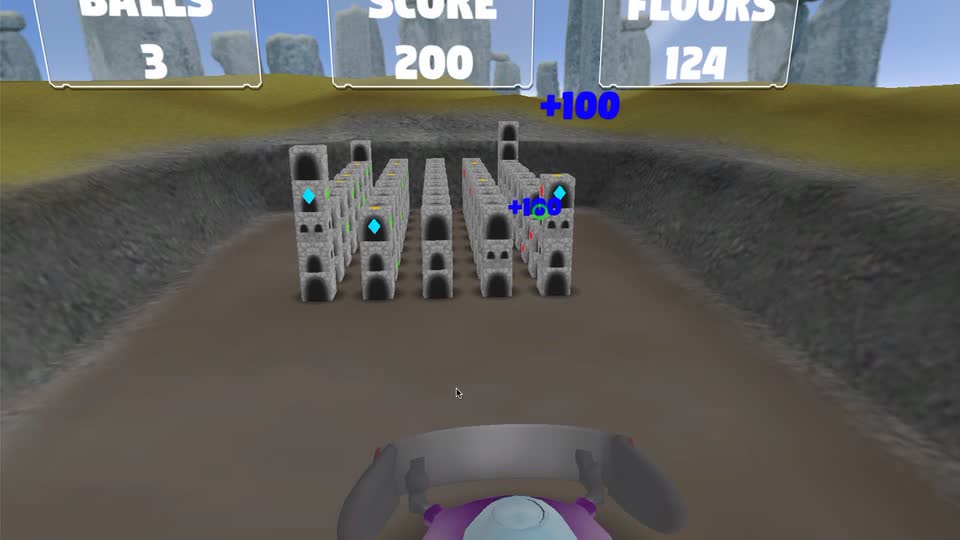
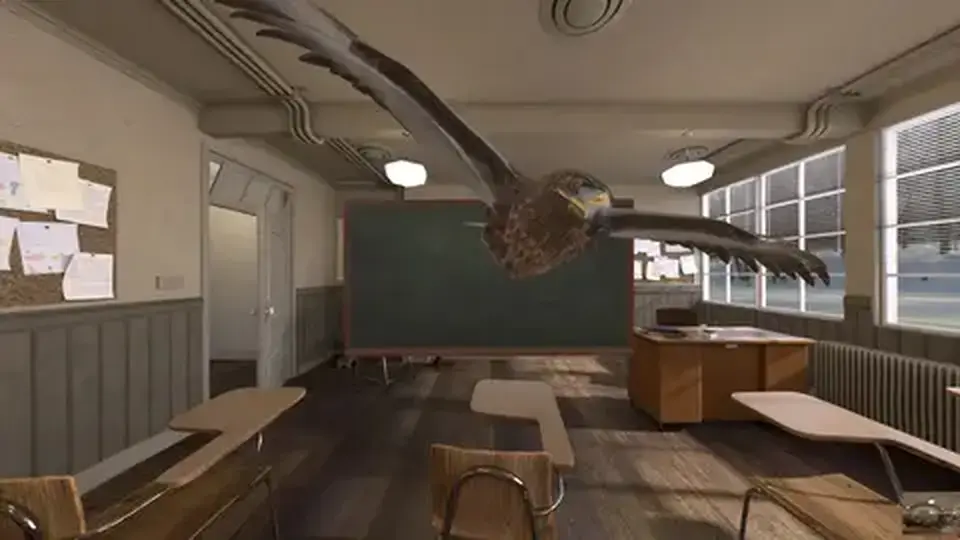
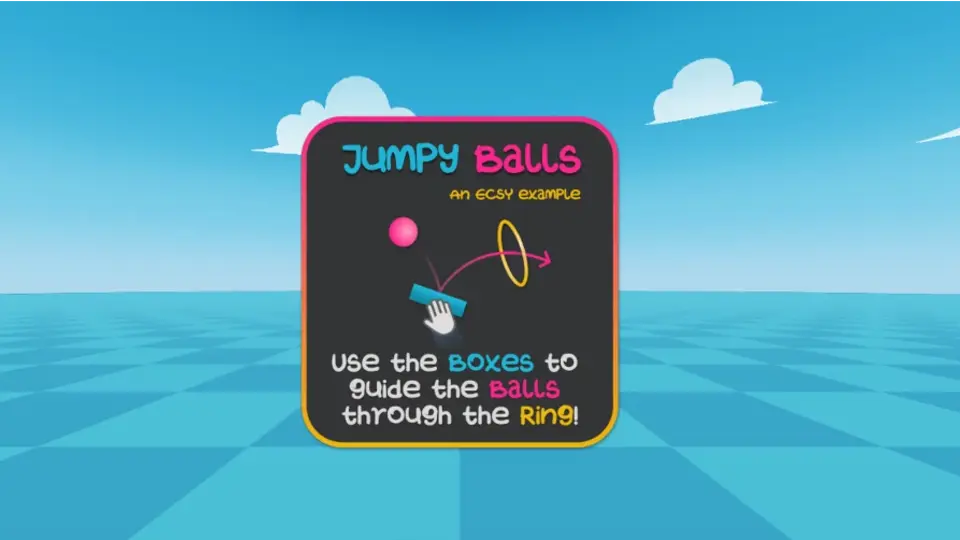
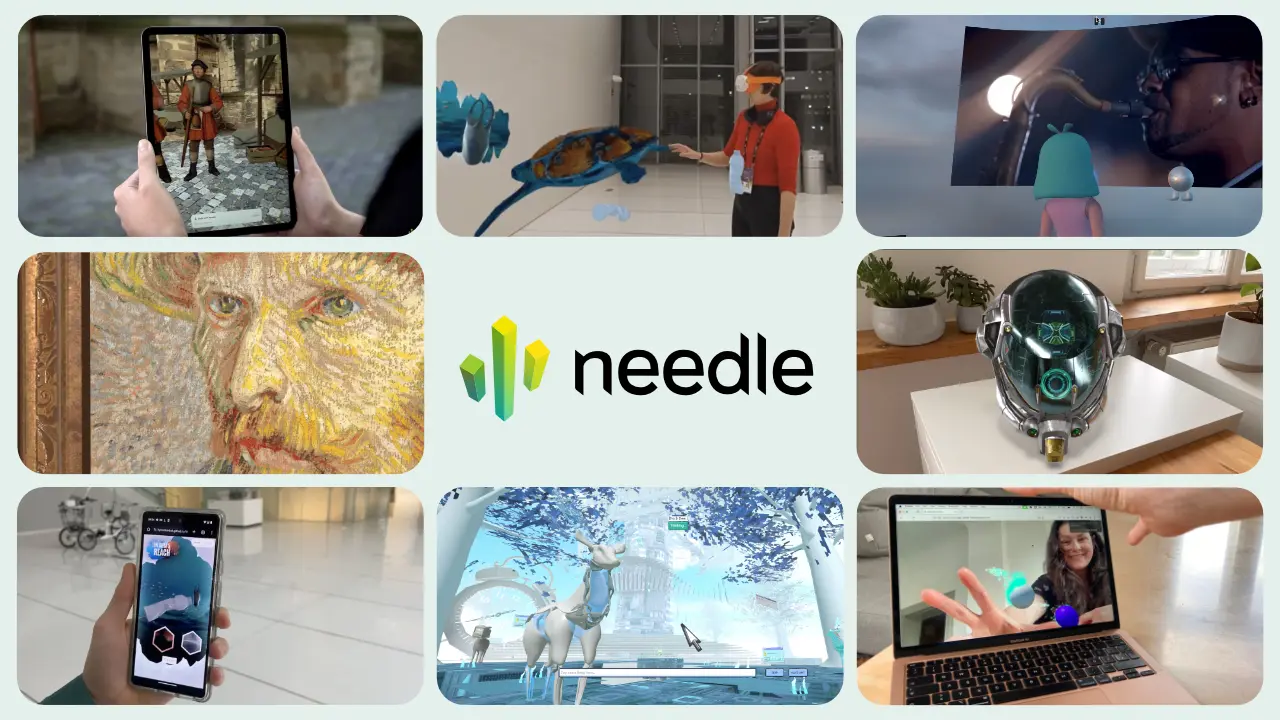
WebXR content can be found across the web. Check out the Explore section above for some great starting points including games, virtual tours, art galleries, and productivity apps.
Can I record gameplay?
Yes. Use your operating system's built-in screen recorder or any capture tool to grab smooth footage of the WebXR scene right from your browser.
Can I use VR controllers or a gamepad?
Yes! Plug your Quest headset into your computer via USB and you can use the Quest controllers while the headset sits on your desk. This gives you full 6DoF tracked controllers without wearing the headset. You can also attach a gamepad like Backbone to your phone.
What should I use this for?
Developers can test builds without a headset, give walkthrough demos anywhere, and capture smooth flythrough footage for tutorials or social posts. Consumers can explore WebXR content without needing to own or wear a VR headset.